Back
BackBackground
At the start of 2025, it was clear the Tribute platform had reached a breaking point.
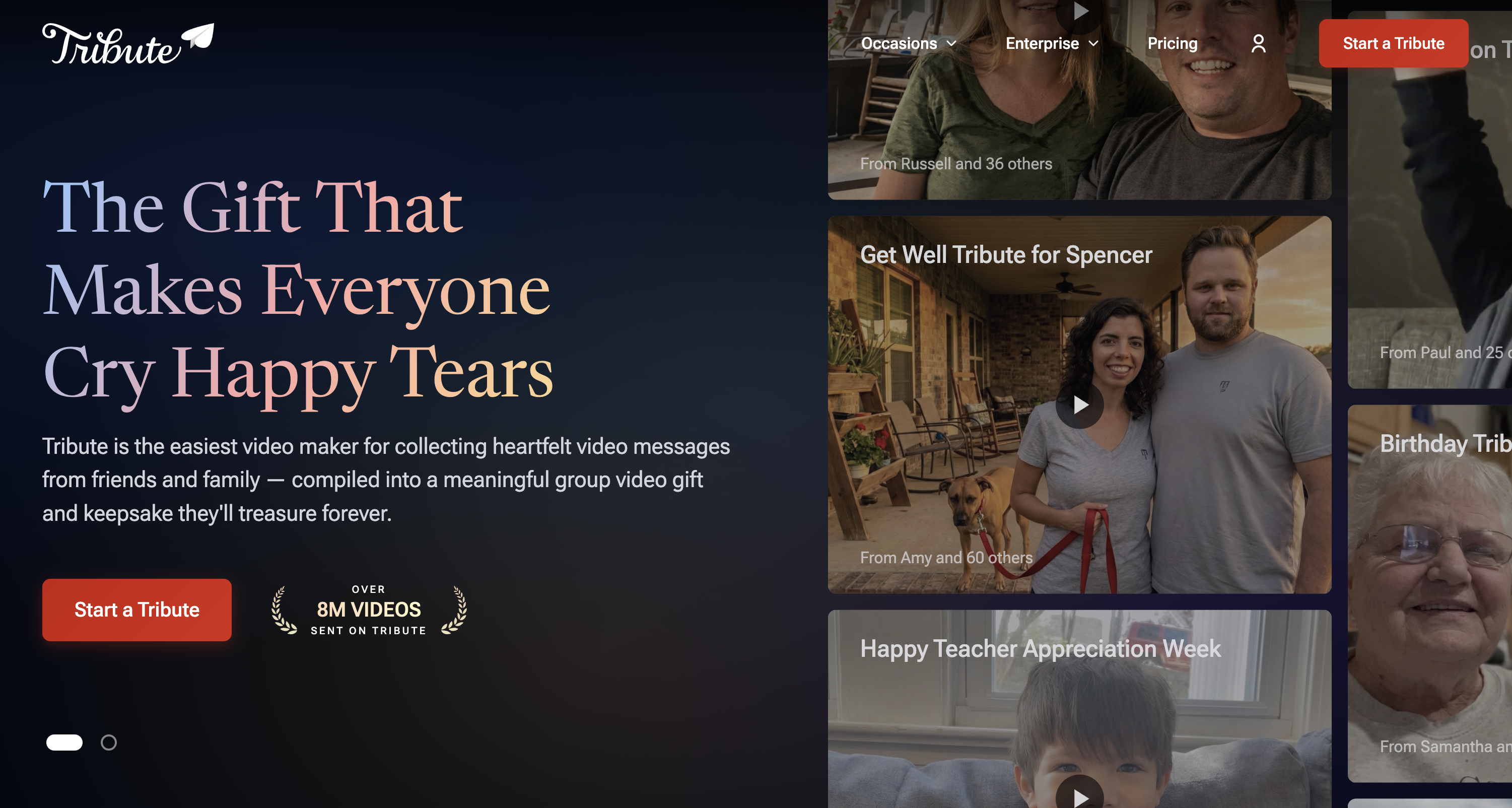
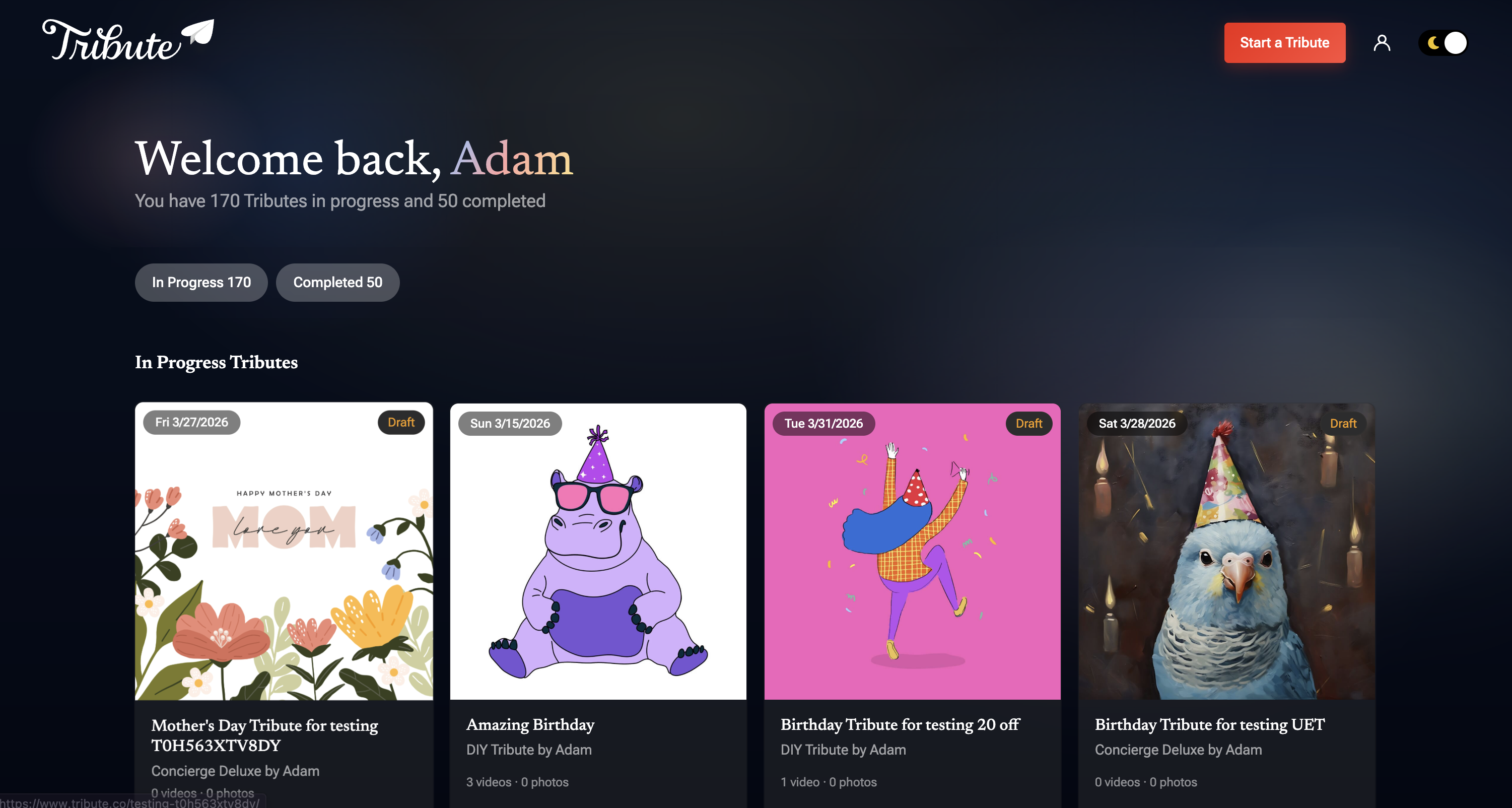
What began nearly ten years earlier as a small side project had grown into an emotionally meaningful product used by millions. However, the foundation had not kept pace with that growth. Over time, we made incremental improvements to individual areas—authentication, recording, public viewing—but the overall experience from onboarding to checkout and delivery felt fragmented, outdated, and increasingly fragile. Band-aids were starting to fall off.
Tribute V3 was not a visual refresh. It was a full re-architecture of how creators and participants experience the product, how customization works, and how the platform could evolve moving forward.
Problem
We identified three core issues holding the platform back.
Fragmented, aging flows
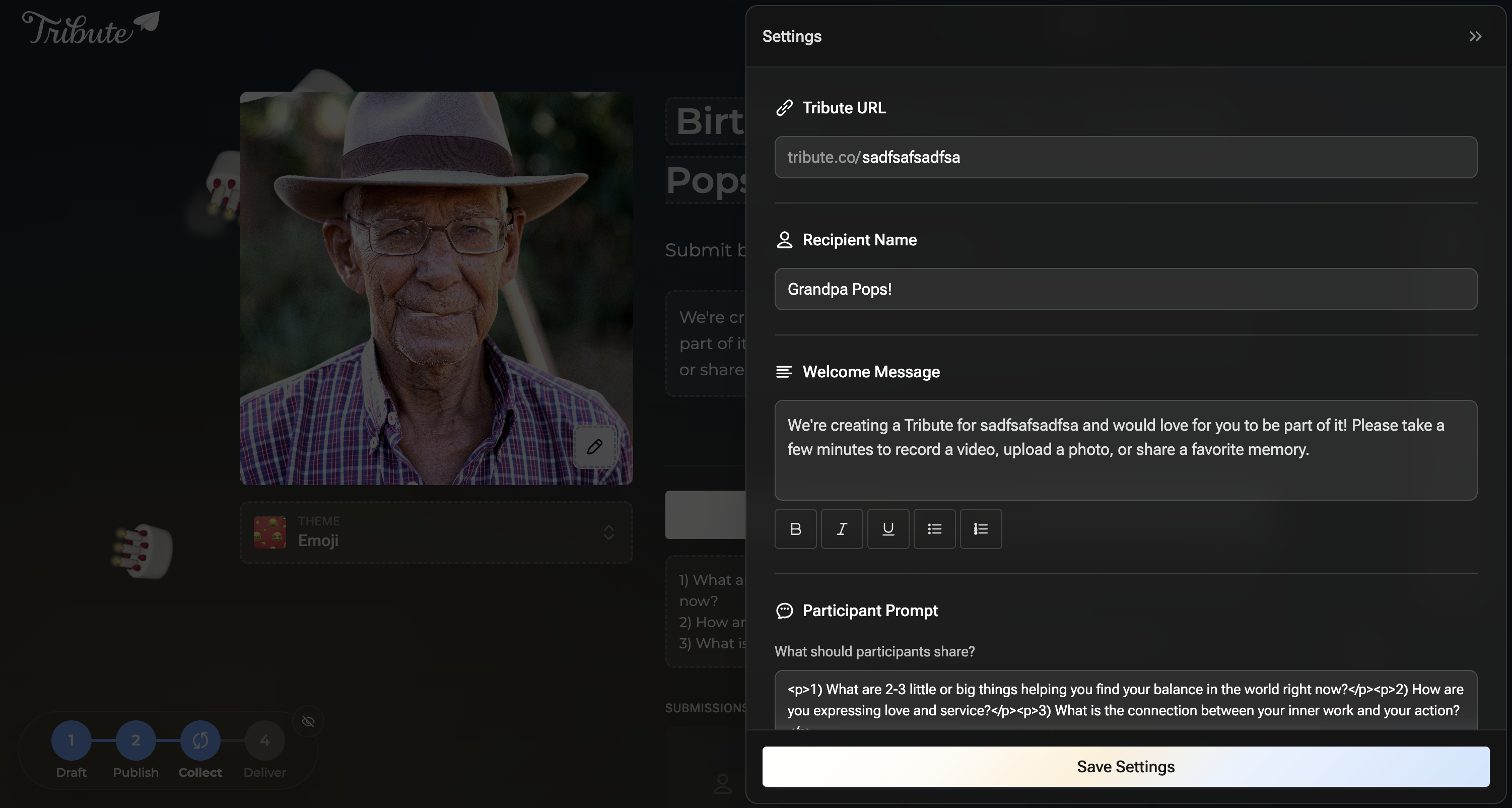
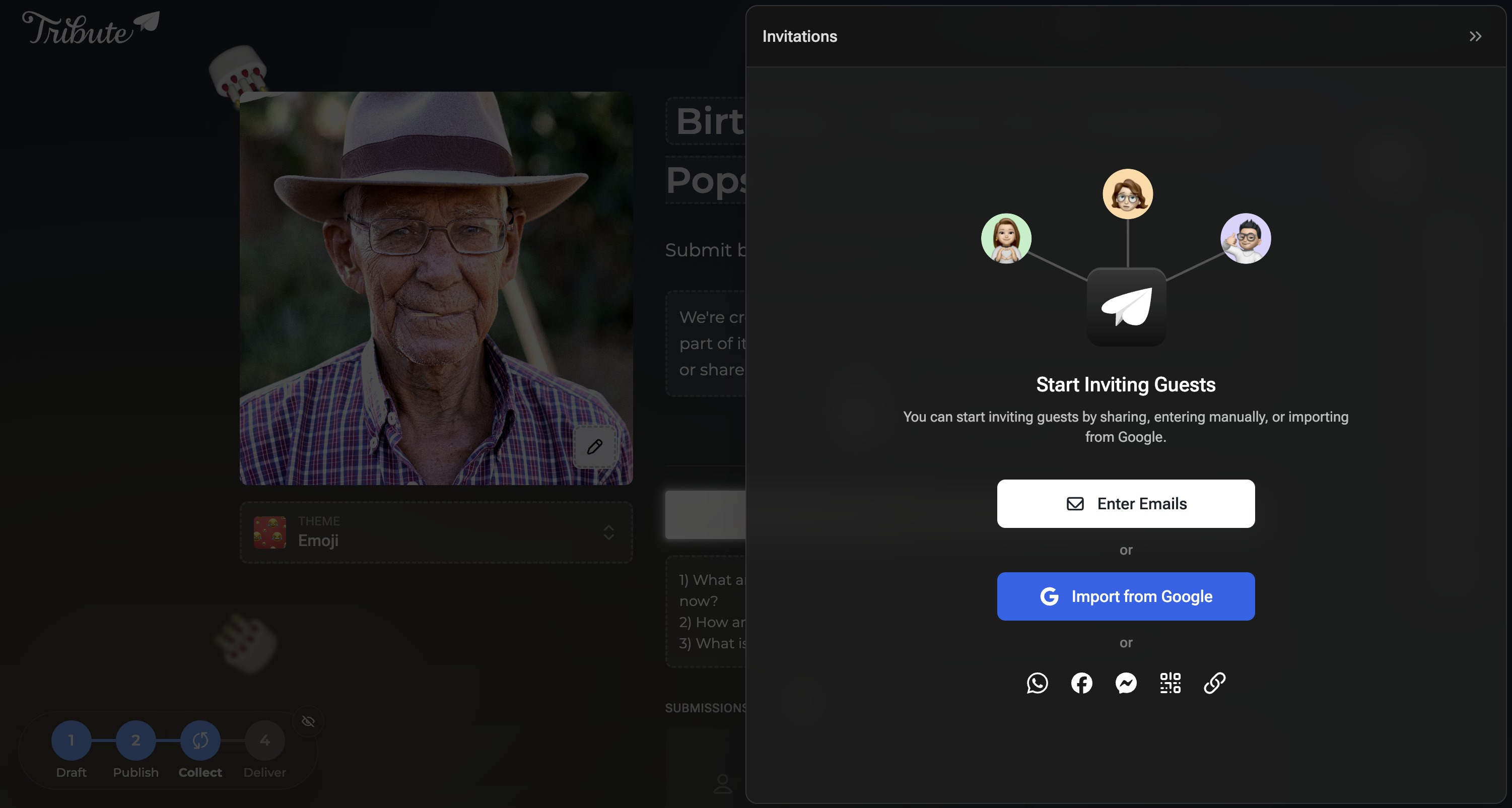
Nearly every major surface needed attention—onboarding, publishing, tribute management, guest invitations, editing, checkout, and delivery. Each flow had been improved independently over the years, resulting in an experience that felt inconsistent to users and increasingly difficult to maintain internally.
Limited creative control
People use Tribute for retirements, memorials, birthdays—moments that carry real weight. Yet customization felt rigid. Users frequently asked for more control over themes, colors, and personality. The product didn’t reflect the emotional weight it carried.
Artificial separation between creators and participants
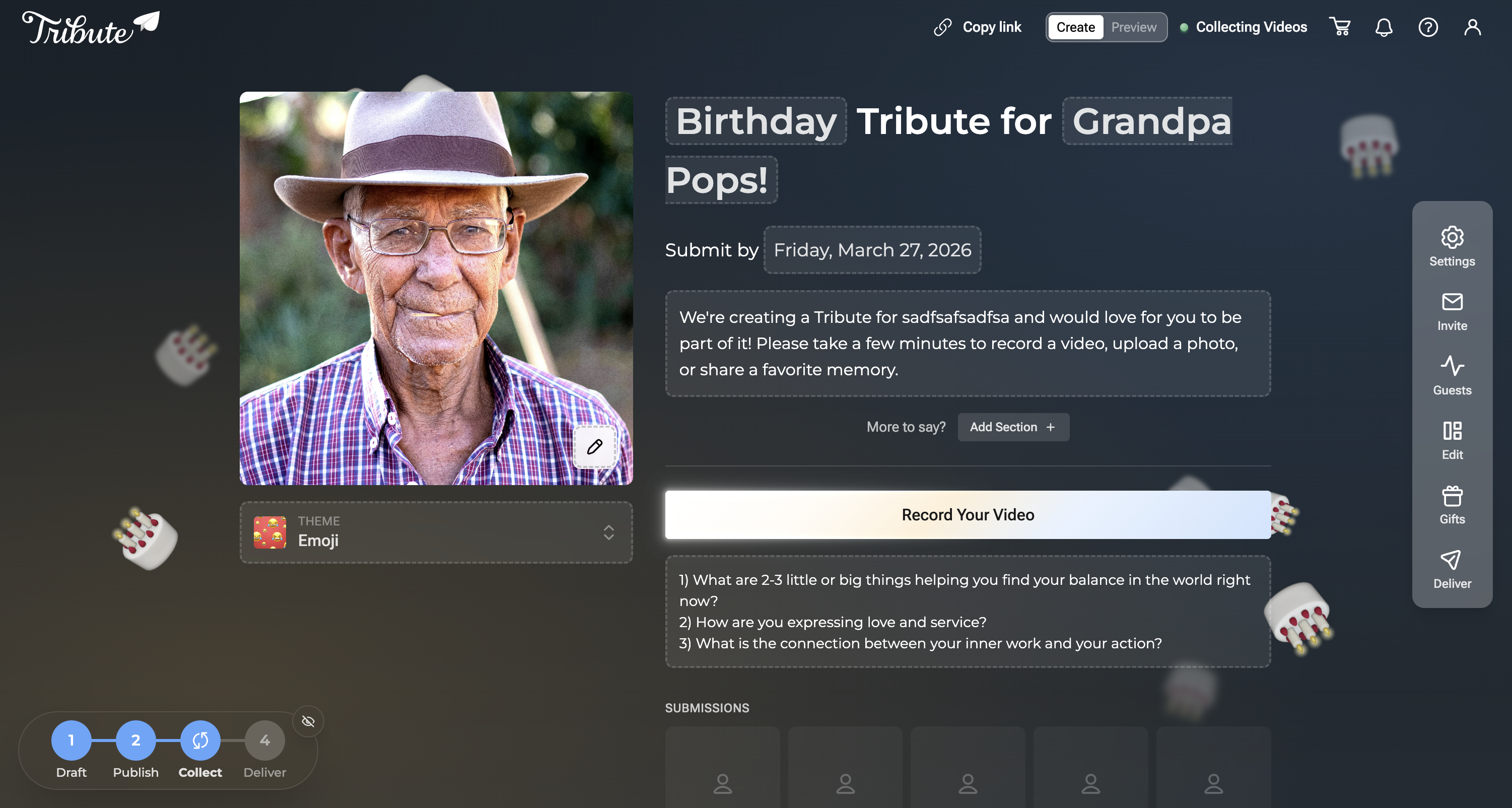
Creators and participants were effectively using different products. This fractured experience caused confusion, inconsistent UI patterns, and a loss of shared context. We looked to products like Partiful and Paperless Post, which treat creators and guests as collaborators in the same space, differentiated by permissions rather than separate interfaces.
Early sketches and structural exploration
Before committing to layouts or interaction patterns, I explored multiple structural directions through rough sketches and low-fidelity wireframes.
These early concepts focused on:
- How creation, customization, and management could live in a single shared space
- How much context to show upfront versus progressively
- Where emotional expression (themes, tone, celebration) should appear in the flow
To move quickly and explore more surface area, several of these sketches were digitally enhanced and expanded using AI-assisted tools. This allowed me to iterate on layout variations, spacing, and hierarchy without prematurely locking into a single direction.
Importantly, these were not treated as final designs. They were thinking tools—used to test structure, discuss tradeoffs with engineering, and identify patterns worth validating with users.
The strongest ideas from this phase informed the directions that were later validated through ranking exercises, false-door testing, and interactive prototypes.
Sitemaps and wireframes with Relume
Mapping the full information architecture of a platform this large could easily eat a week. Relume’s AI sitemap generator let me describe the product in plain language and get back a structured, editable site map almost instantly—which meant I could decide on the marketing site structure, Occasions taxonomy, and How It Works flow in a single afternoon instead of iterating across multiple sessions.
The same was true for wireframes. Relume’s component library is built around real UI patterns, not abstract boxes, so the wireframes we generated actually communicated intent. Engineers could read them. Stakeholders could react to them.
Because Relume outputs directly to Figma, the transition from sitemap to wireframe to high-fidelity was one continuous file rather than a series of format conversions.


Framing the Direction
Before jumping to solutions, I needed to understand how people mentally approached creating a tribute—and what actually mattered to them in the process.
Journey mapping and competitive teardown
I spent an intensive afternoon breaking down products like Partiful and Paperless Post, mapping their journeys from creation to completion. I focused on decision points, emotional highs and lows, and moments of friction.
A clear pattern emerged: the strongest experiences felt like one continuous space that subtly adapted based on who you were and what you could do.
That insight drove our core decisions: a unified space for creators and participants, differentiated by permissions rather than separate interfaces.
Prioritizing what matters through ranking exercises
Rather than relying on assumptions or feature checklists, we ran a contextual feature-ranking exercise using Maze. Participants were asked to imagine creating a tribute for someone important and rank core features by importance during creation.
The features included:
- Video messages
- Theme and visual customization
- Music
- Ordering and editing content
- Cover text and messaging
This forced tradeoffs and gave us a clearer signal than grouping alone.
Several patterns stood out:
- Video messages were consistently the primary driver of value
- Customization ranked higher than expected, reinforcing emotional expression as core
- Structural features mattered, but users expected them to stay out of the way
These rankings directly informed visual hierarchy, default emphasis, and which controls were surfaced early versus deferred.
Image placeholder: Feature ranking results
[image: maze-feature-ranking.png]
Testing early assumptions
One early idea didn’t hold up.
Inspired by Partiful, I initially wanted the product page—with placeholder data—to be the create experience. It looked slick and modern, but false-door testing and moderated interviews revealed confusion. Users weren’t sure what to do next or whether they were “doing it right.”
We pivoted to a more conventional modal-based start, with the new experience blurred behind it as a teaser. This preserved clarity while still signaling what users were about to unlock.
Image placeholder: False-door survey results
[image: maze-false-door-create.png]
Shaping the Experience
With direction validated, the focus shifted to shaping the experience and testing it in increasingly concrete ways.
Reimagining onboarding
The existing onboarding flow technically worked, but lacked personality. It was essentially a homemade Typeform. Conversion improved over time—from ~15% to ~25%—but it didn’t reflect the product’s joy.
For V3, onboarding needed to:
- Feel expressive and celebratory
- Tease customization early
- Reduce perceived effort
- Build confidence immediately
Post-launch, onboarding conversion increased to 54%, more than doubling the historical baseline.


Payments, commitment, and clarity
Historically, payment happened at the very end of the experience. While generous, it caused real issues:
- Ad spend was attributed to abandoned tributes
- Late-stage abandonment stayed high
- 16% of checkouts were accidental
Users were signaling readiness to pay earlier, but the flow wasn’t designed to support that intent.
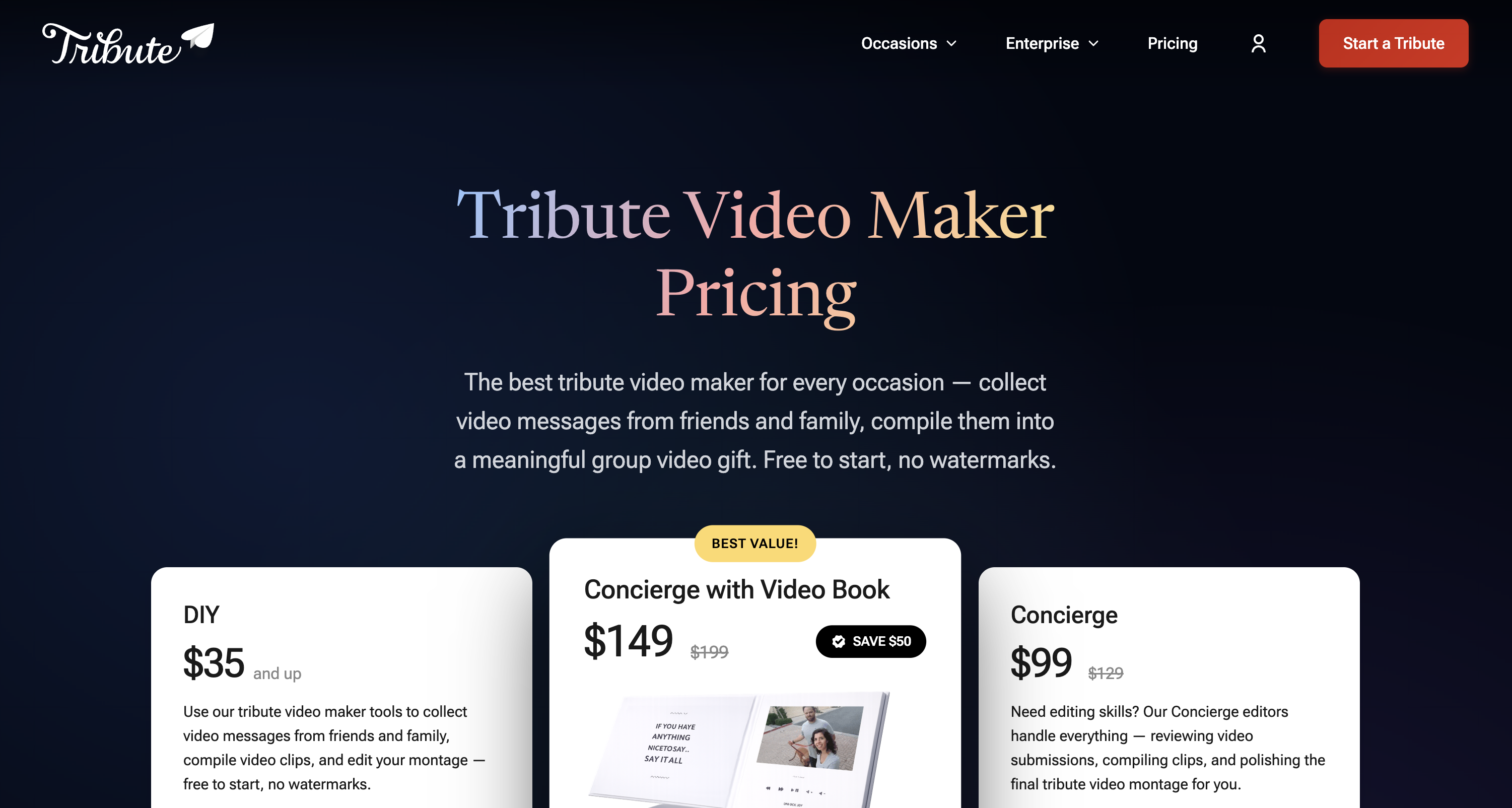
We moved payment to just after the draft stage—keeping the product free to start while aligning payment with commitment and clarity.

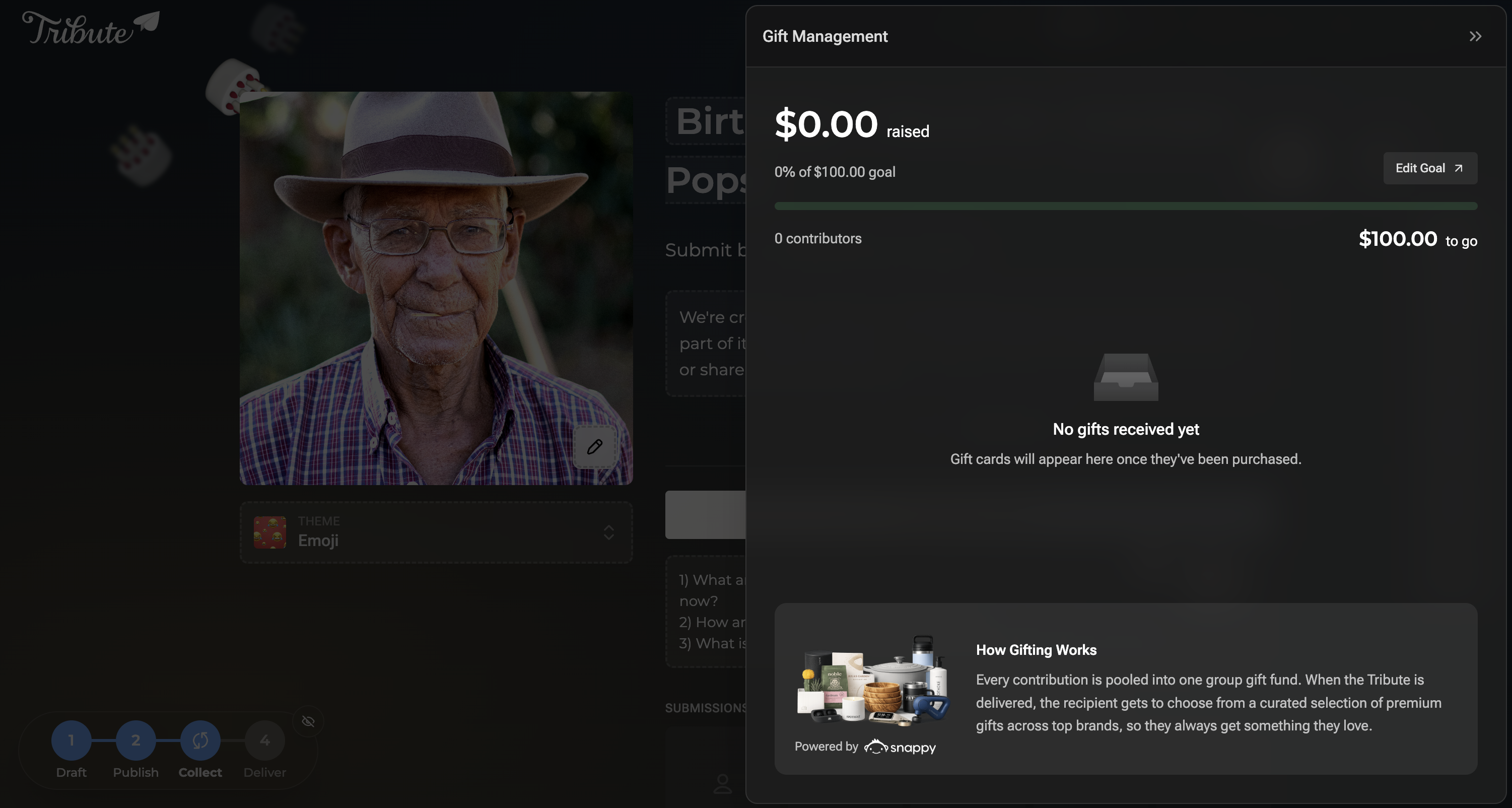
Themes and emotional expression
Years of research pointed to a simple truth: users love emojis.
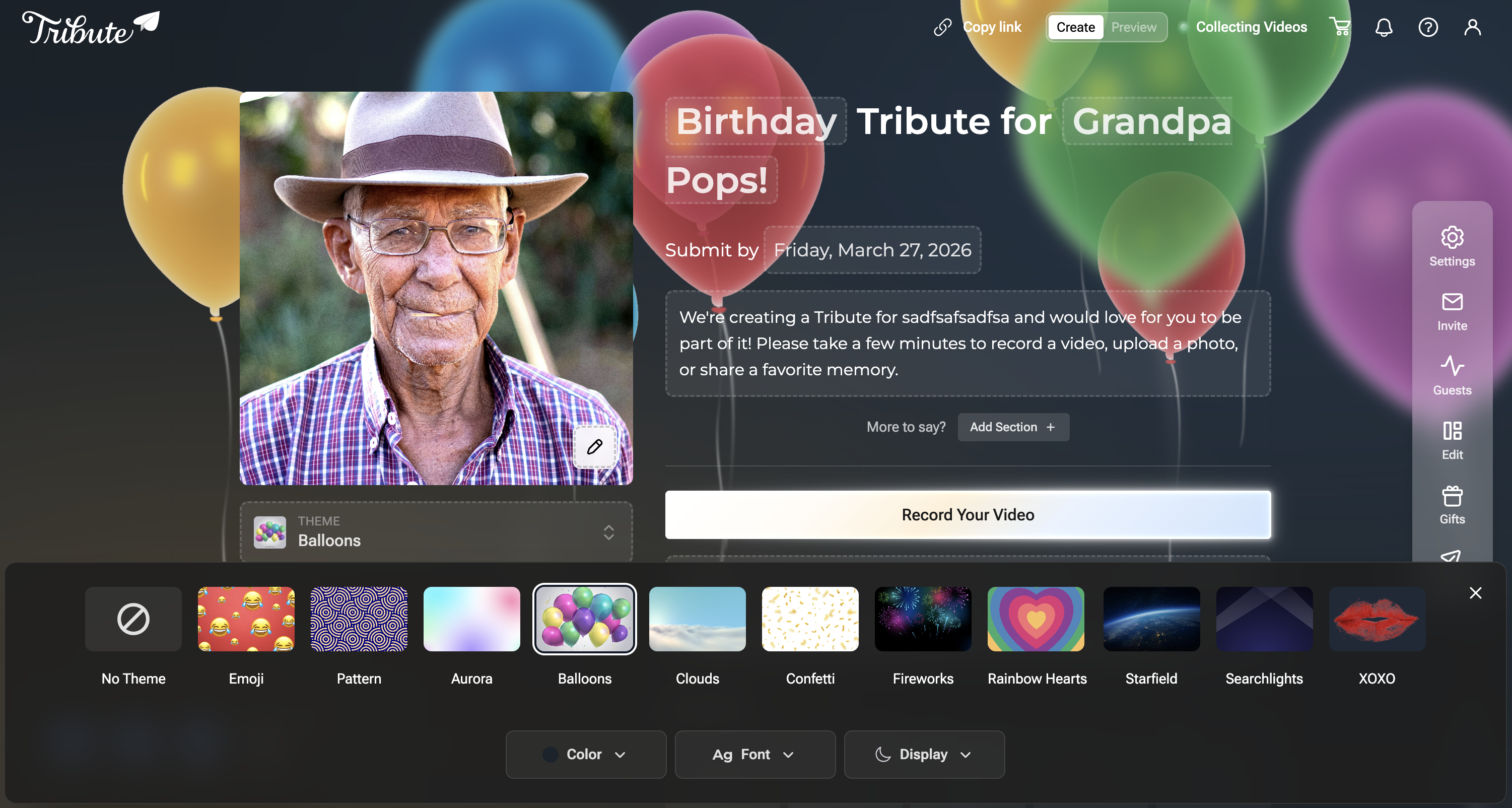
That insight became the foundation of our default theme—animated, occasion-based emoji backgrounds. From there, we expanded into additional themes like balloons, fireworks, graduation caps, and seasonal motifs.
Themes became a primary way users expressed intent and emotion.

Prototyping, iteration, and AI-assisted workflows
Once the foundation was in place, we moved quickly.
I made an early call to cut Figma out of the critical path. Rather than designing in static files and handing them off, the deliverable was functioning code. I still used Figma for targeted layout exploration, but it was never the source of truth. This approach accelerated the first 60–70% of the work, allowing more time for refinement, validation, and polish.
As complexity grew, weak prompts could introduce regressions—so I continuously tightened constraints and kept the design system grounded in production components rather than static specs.
The team of four was skeptical at first — that’s a fair reaction when you’re changing the most fundamental part of a design workflow. I stayed close to the work, experimented alongside them, and ran one-week sprint cycles combining Lean UX and Agile across product, design, and engineering simultaneously. Within a few sprints, something shifted. When we showed a working prototype of the new checkout flow, stakeholders could actually click through and react to the real experience instead of debating a static mockup—a decision that would have taken two weeks in the old process landed in a single session. The reluctance disappeared because the results were undeniable.
Sprint Kickoff
Define focus area and ownership
Design & Prototype
Build with Lovable, Bolt, V0
Weekly Share-Out
Team review and alignment
Iteration
Refinement from feedback
Integration
CTO + Adam merge to production
Ship
Live product, next sprint
Continuous validation
Beyond milestone testing, we relied heavily on unmoderated Maze surveys throughout the process. These lightweight tests helped pressure-test copy, validate feature placement, and gauge emotional response—without slowing momentum.
Image placeholder: Maze first-click and task success results
[image: maze-results.png]
Understanding Who We’re Building For
Design decisions are only as good as the data behind them. Early in V3, I realized we were making targeting and prioritization calls based on gut instinct and anecdotal support tickets. We had Quantcast running on the site, but the default dashboard wasn’t built for the questions we needed to answer: who exactly is using Tribute, where are they, what do they do for work, and which segments should we optimize for?
So I built a custom audience insights dashboard.
Pulling real data, not just reports
The dashboard connects directly to Quantcast’s GraphQL API, pulling demographic, geographic, and business data dynamically rather than relying on static exports or screenshots. Every view reflects live audience intelligence: gender splits, age distribution, income bands, education levels, and parental status.

A full state-by-state location breakdown with index scores and composition percentages.
On the business side, the dashboard surfaces industry, occupation, and seniority data sourced through Dun & Bradstreet’s audience intelligence layer. This gave us a clear picture of not just who our users are personally, but what they do professionally and where purchasing power sits.

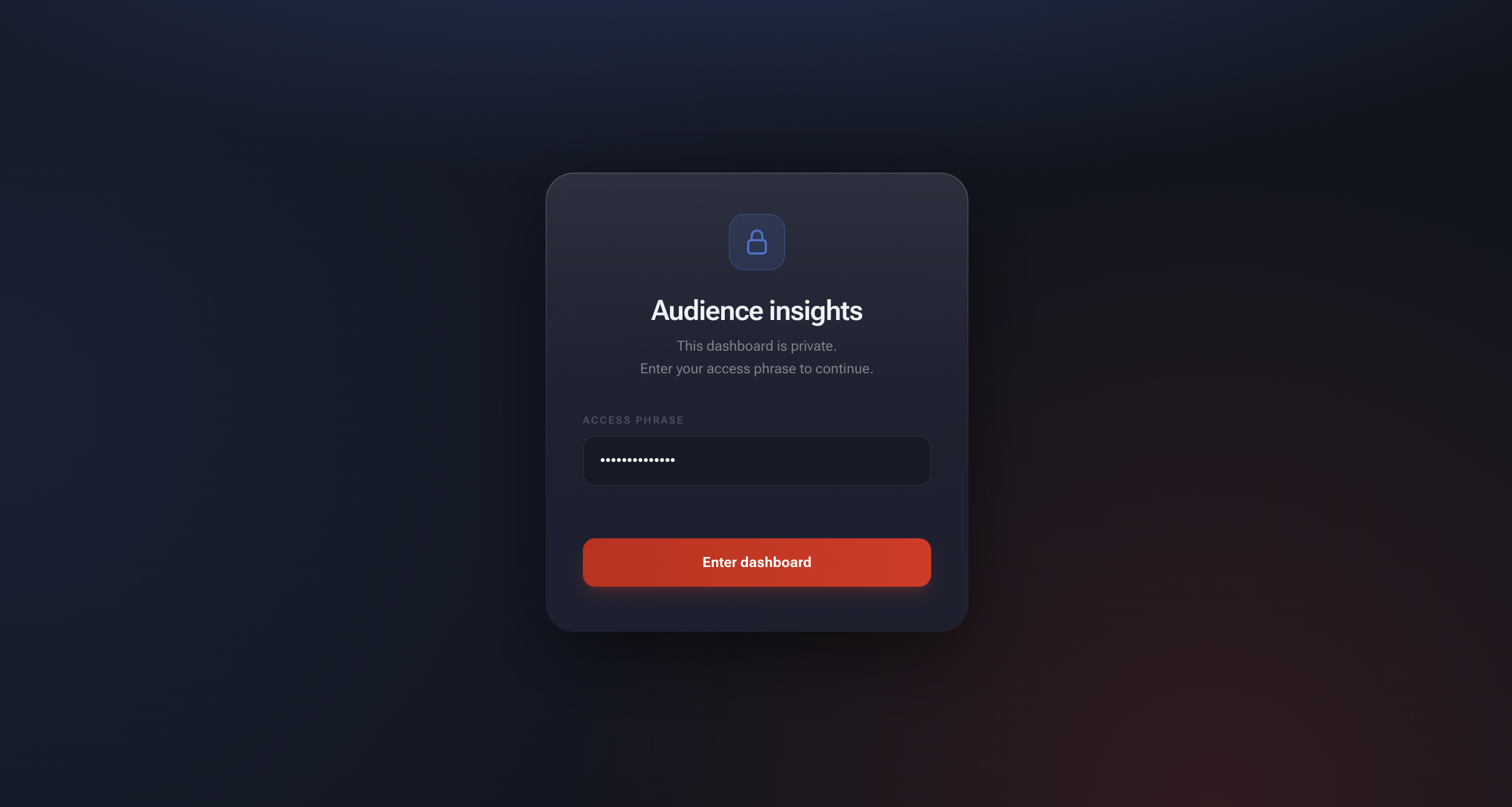
The whole thing is password-protected and built for internal use, designed so the team and stakeholders could explore the data themselves without needing me to pull a report.
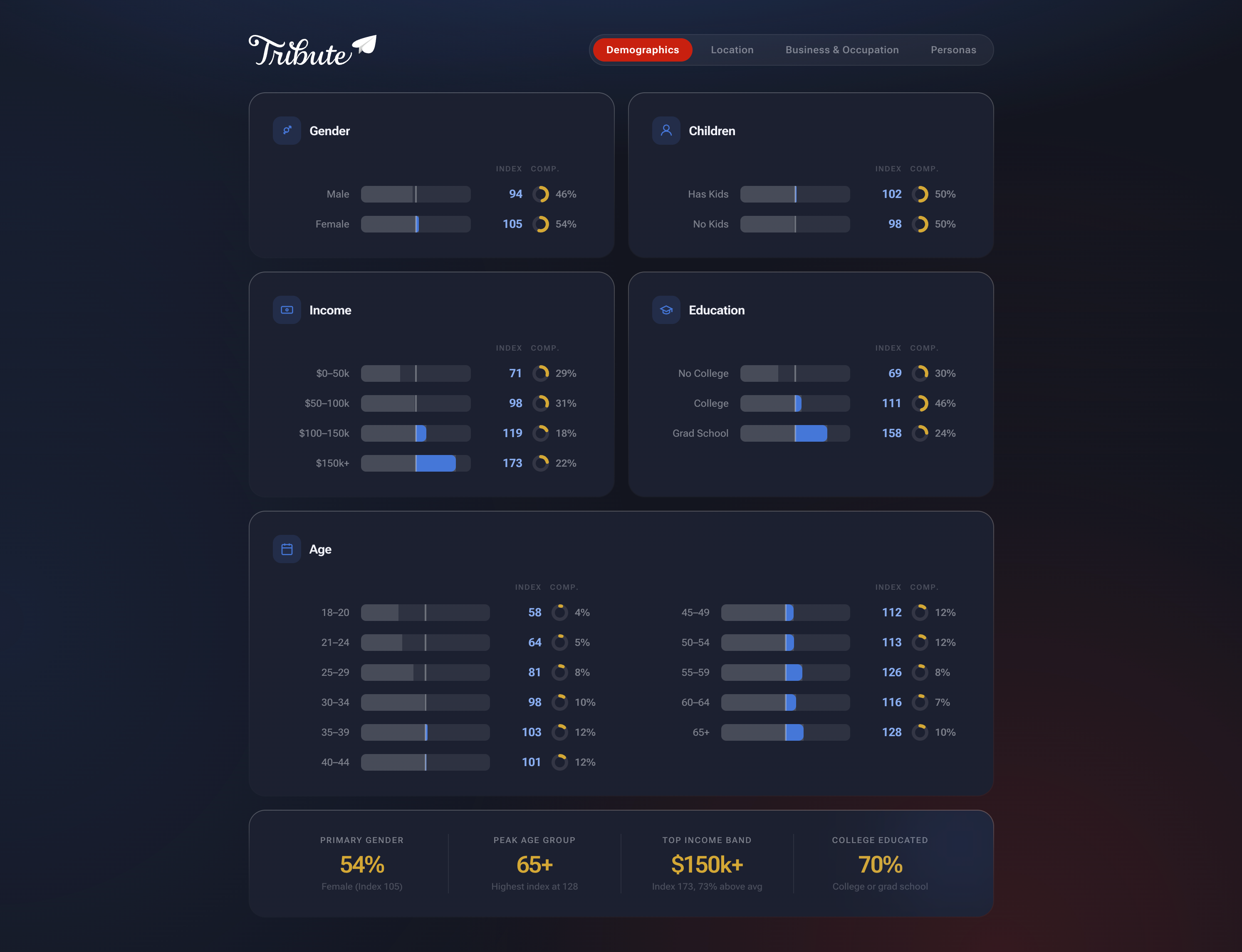
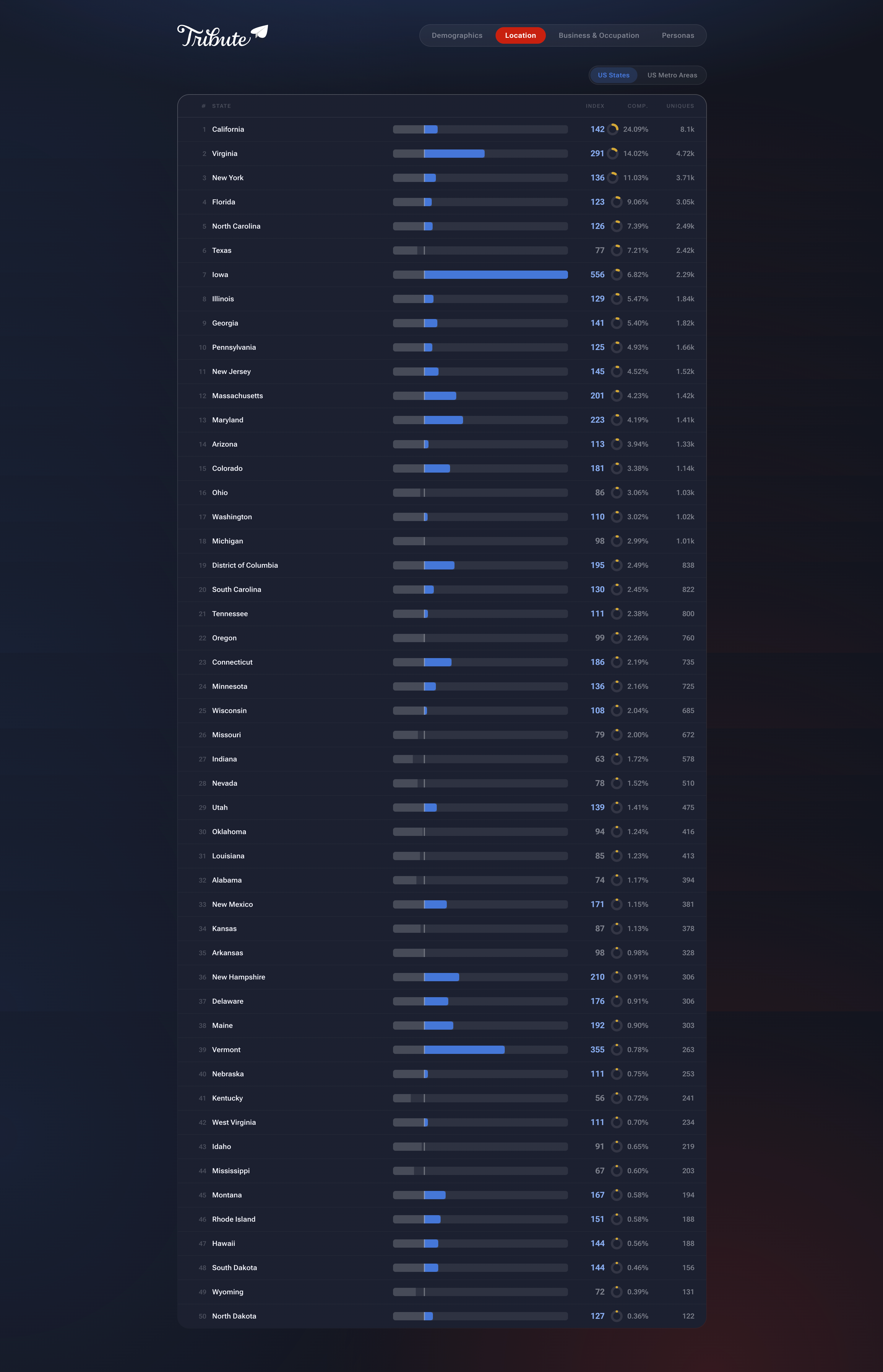
From data to archetypes
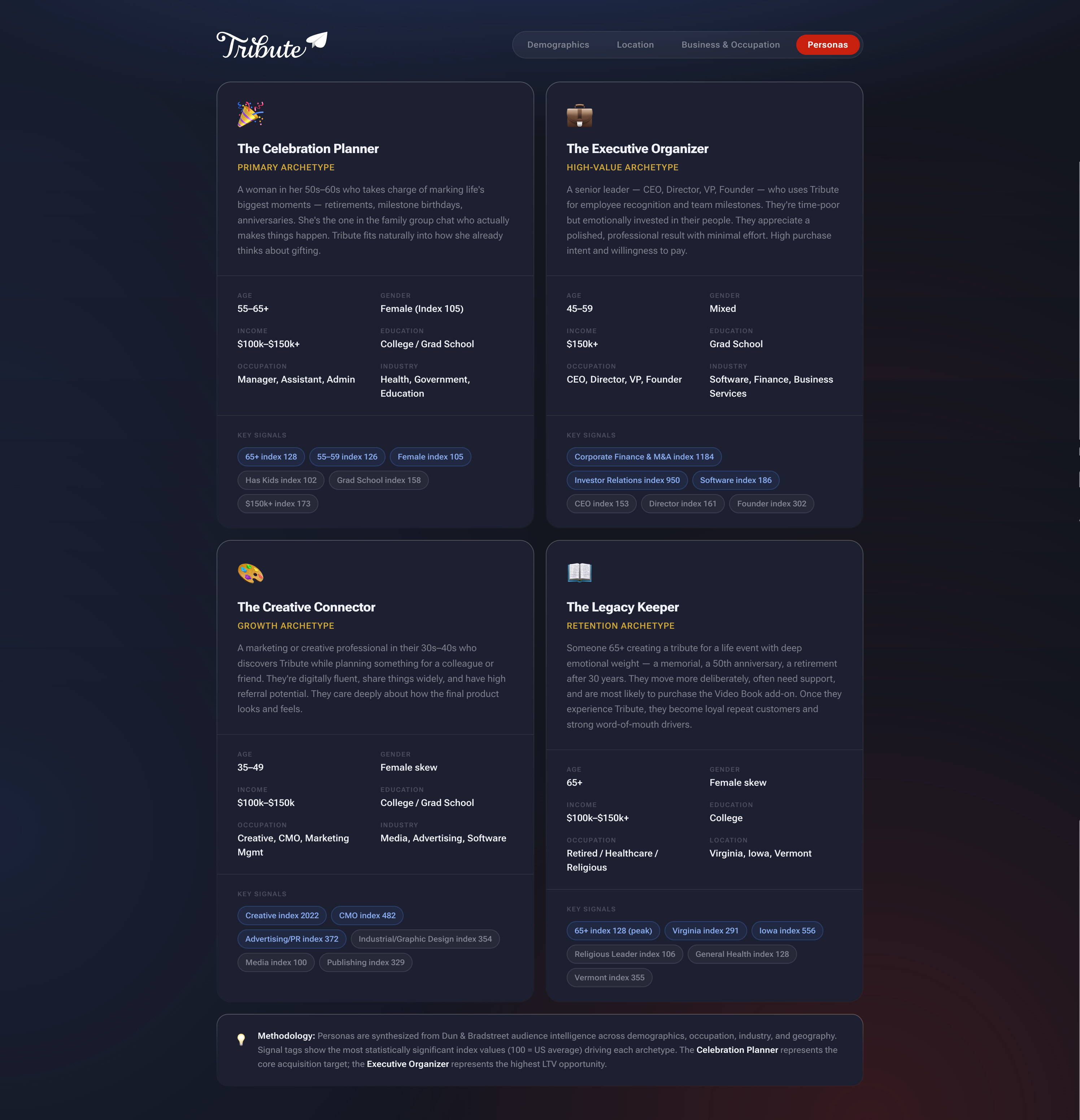
The most actionable output was synthesizing all of this into four audience personas, each grounded in statistically significant index values rather than assumptions.
The Celebration Planner is our primary archetype and core acquisition target: women 55-65+, college-educated, household income $100k-$150k+, working in health, government, or education. She’s the one organizing retirements and milestone birthdays in the family group chat. Tribute fits naturally into how she already thinks about gifting.
The Executive Organizer represents our highest-LTV segment: senior leaders (CEOs, directors, VPs, founders) aged 45-59 in software, finance, and business services. They’re time-poor but emotionally invested in recognizing their teams. They want a polished result with minimal effort and have high willingness to pay.
The Creative Connector is a growth archetype: marketing and creative professionals in their 30s-40s who discover Tribute through workplace use and have high referral potential. They care deeply about how the final product looks and feels.
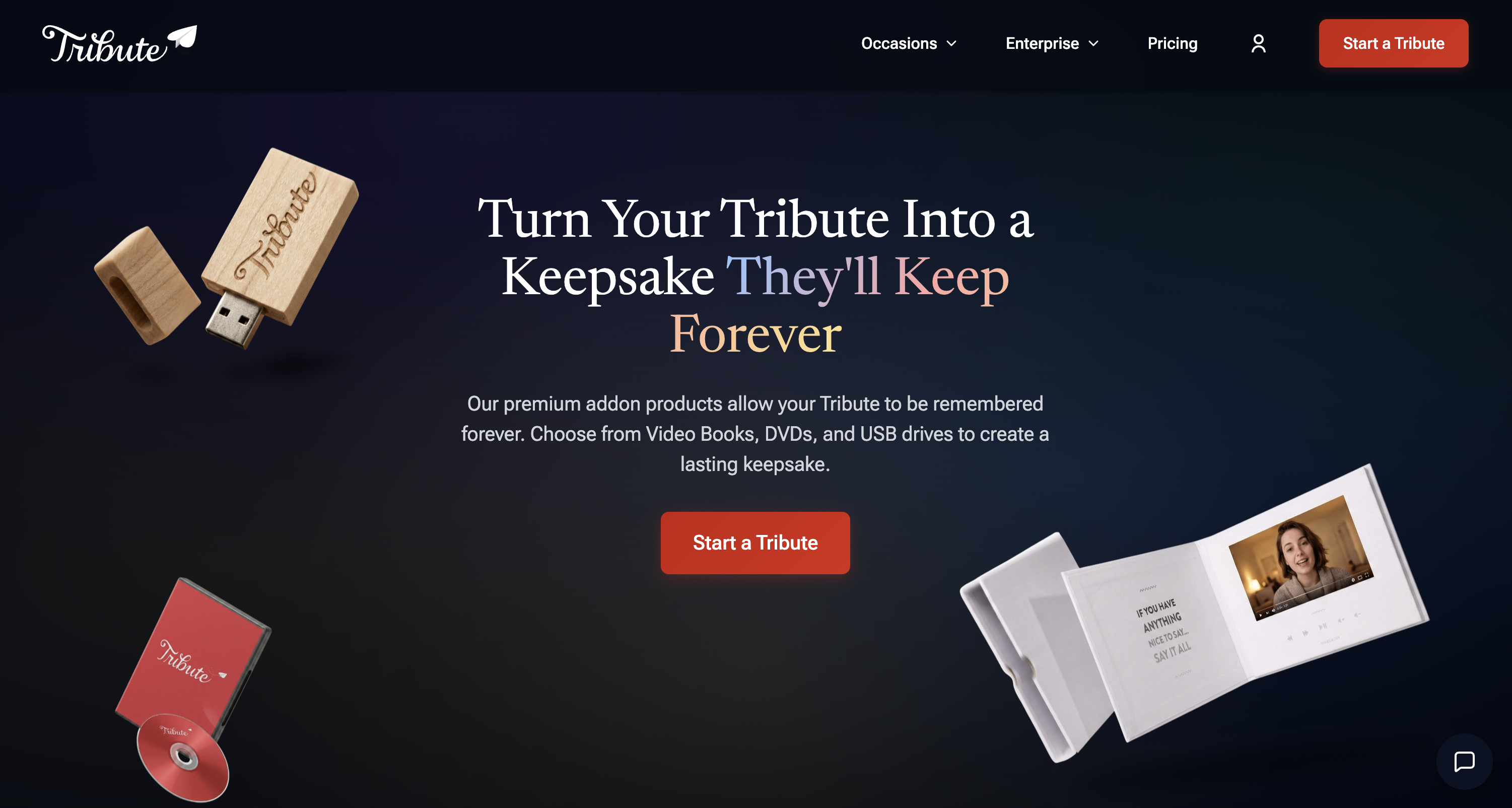
The Legacy Keeper is a retention archetype: someone 65+ creating a tribute for a memorial, a 50th anniversary, or a retirement after 30 years. They move more deliberately, often need support, and are the most likely to purchase the Video Book add-on. Once they experience Tribute, they become loyal repeat customers and strong word-of-mouth drivers.
These personas directly informed ad targeting, copy decisions, onboarding tone, and which features we surfaced early versus kept secondary. When we wrote headlines for the creation modal or chose default theme options, we weren’t guessing. We knew who was on the other end.
Launch and Outcomes
The redesigned platform launched with meaningful improvements across the board:
- Starts: +29%
- Start → publish: +24%
- Purchases: +19%
- CSAT: +20%
Beyond the numbers, V3 provided a modern, scalable foundation. Iteration became safer, experimentation cheaper, and future improvements easier to ship.
Reflection
Tribute V3 wasn’t about trends or tools. It was about aligning the platform with what the product had already become—millions of users creating video tributes for retirements, memorials, birthdays, and milestones, with expectations that the experience would match the weight of those moments.
It also fundamentally changed how we build. We rethought what a design system actually is — not a Figma library, but a living system rooted in AI-assisted prototyping where the deliverable is functioning code. Design and engineering now operate around shared production components, experimentation carries less risk, and one-week sprint cycles became the new normal. Ideas move from concept to reality faster without sacrificing quality.
V3 set a new baseline for how we work at Tribute going forward. If I were to revisit it, I’d invest earlier in documenting the prompt patterns that worked—we learned them on the fly, and that knowledge lived mostly in my head.